![JN_Logo_Long-White@1x.png]](https://support.jobnimbus.com/hs-fs/hubfs/JN_Logo_Long-White@1x.png?height=40&name=JN_Logo_Long-White@1x.png)
A record is a contact, job, estimate, invoice, credit memo, or payment. If you find an error in your sync error report and you have resolved it, you often need to select "retry" in the error log. This allows the program to re-recognize the changes that you have made. The record will then try to sync during the next sync cycle.
To locate the sync error report:
-
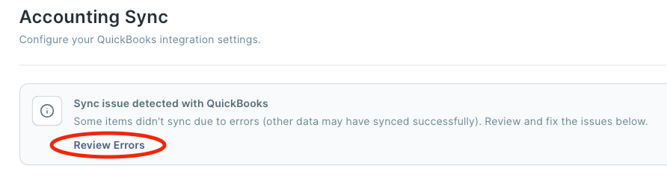
In your JobNimbus account, go to Settings >Financials > Accounting Sync > click "Review Errors".
To locate a specific error in a long list:
-
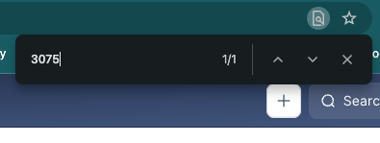
Select Ctrl+f (PC) Command+F (Mac) on your keyboard to pull up a search bar. (Optional, you may search through the error log as well)
-
Type in the name or number of the record
-
Locate the record on the page
-
Select "Retry"
